Example using Chrome:
- Navigate to your “public” company website.
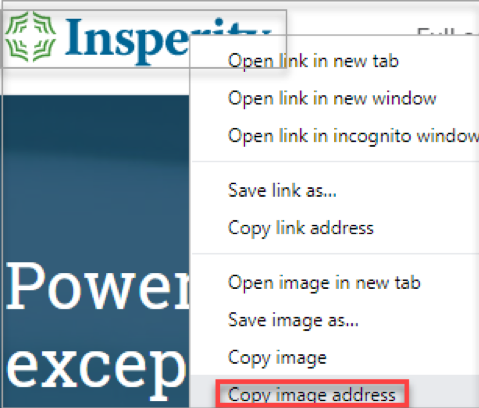
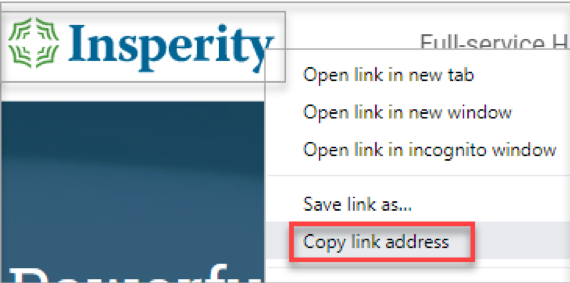
The website must be public so the site is accessible to the application. - Right-click on your company logo and select Copy image address.
- Inside the application, navigate to Administration
 .
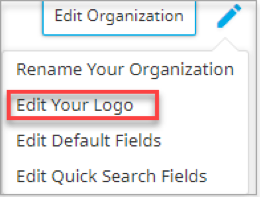
. - Click the pencil at the top right to Edit Organization
 .
. - select Edit Your Logo from the dropdown
- Click Upload from URL
 , Paste the copied URL.
 - Click Save.
Note: You must change http:// to https://.